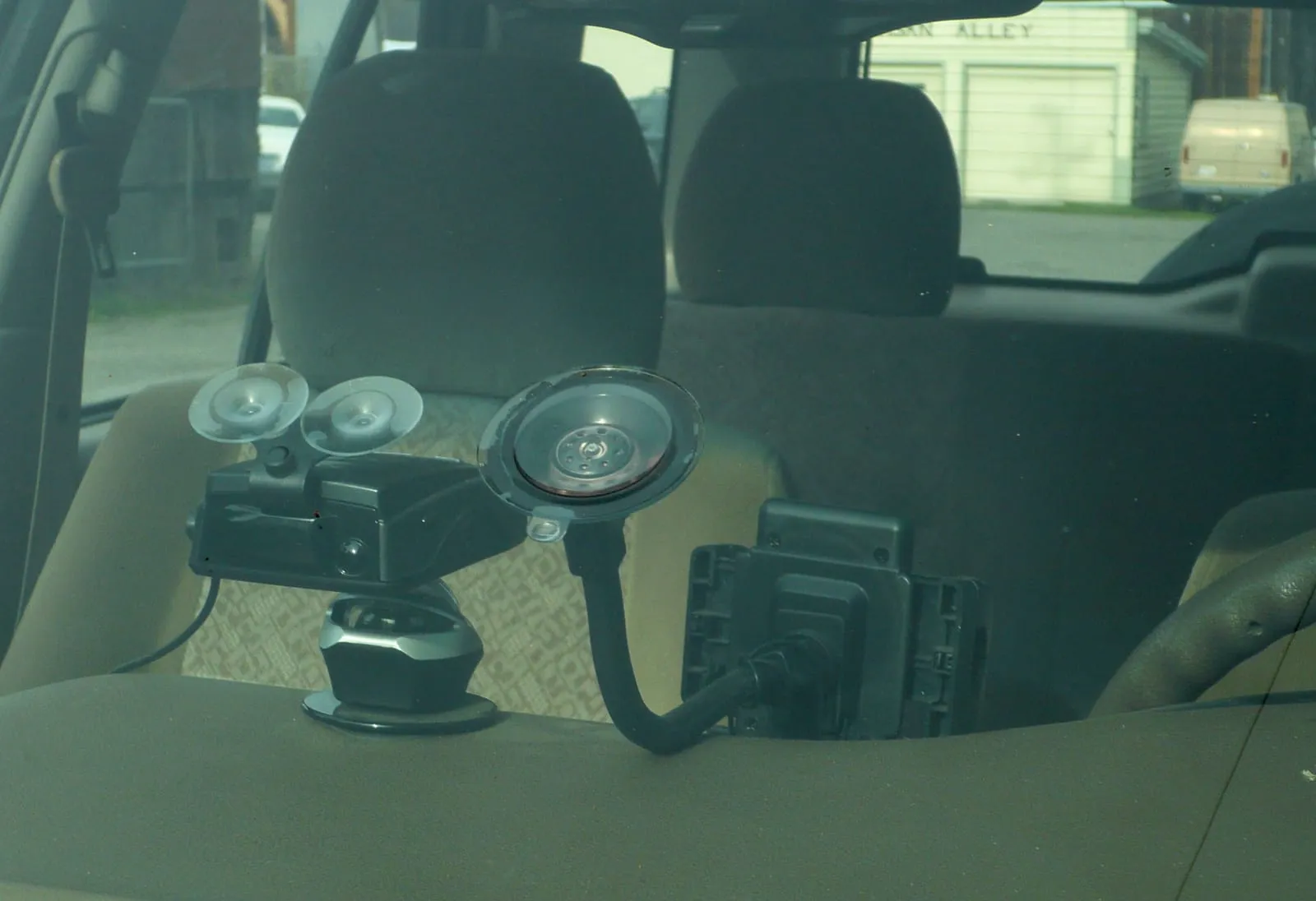

Quick answer: for most drivers, one small front camera is enough: it records continuously, keeps a clip automatically when it senses a bump, and overwrites old footage when the card fills [2]. Add a rear camera if you want a record of rear-end collisions, and a cabin camera if you drive for a rideshare service. Before you mount anything, decide whether you’ll record audio: some places require everyone in the car to know and agree [2].
At a glance
- What a dash cam saves on its own
- A clip before, during and after a detected incident [2]
- When the card fills
- The oldest unsaved video is deleted to make room [2]
- Typical card
- microSDHC or microSDXC, Class 10 or faster [2]
- Parking mode
- Needs constant power: an always-on cable or a hardwire kit [2][3]
- Audio recording
- Some jurisdictions restrict it or require consent [2]
How we chose
We didn’t test these cameras. We picked them from the makers’ own product pages, owner’s manuals and announcements, and the public recall record:
- Clear specs from the maker. Each pick has a published resolution, card limit and operating temperature range, or we say what the maker leaves out.
- Different jobs. One screenless camera, one with a screen, one front-and-rear kit and one three-channel kit, so each fits a different driver.
- Recall check. We searched CPSC’s recall database for Garmin, VIOFO and dash cameras in general on November 6, 2026, and found no recalls [5].
- Heat tolerance. Parked cars get hot, so we list each maker’s rated operating range. Some cameras use a supercapacitor instead of a battery [3].
The picks
Best for: A small front camera you'll forget is there
Garmin Dash Cam Mini 3
It has no screen and no GPS, which keeps it small; it stamps video with the date and time only [1]. You save a clip by saying 'OK, Garmin, save video,' and it saves footage by itself when its sensor detects a possible incident [2].
- 1080p HD video; no on-device display; no GPS [1]
- Voice commands to save video and turn audio on or off [2]
- microSDHC/microSDXC, 8 to 512 GB, Class 10 or higher [2]
- Operating range -4°F to 140°F [2]
- Adhesive windshield mount meant to stay put [2]
Safety check: No CPSC recall found for Garmin dash cams (checked 2026-11-06).
Watch out: With no screen, you set it up and watch clips in the Garmin Drive phone app, and Garmin's remote Wi-Fi and Vault cloud features need a paid subscription [2].
See it on Amazon → We chose it from specs and safety records; we haven't tested it ourselves.
Best for: 4K video with a screen and driver alerts
Garmin Dash Cam X310
It's the top model in Garmin's X series: 4K Ultra HD video, a 2.4-inch touchscreen, built-in GPS and driver alerts [1]. The screen lets you check the view and play clips without a phone.
- 4K Ultra HD maximum resolution [1]
- 2.4-inch LCD touchscreen [1]
- Built-in GPS; advanced driver alerts [1]
- Clarity polarizer lens; voice control [1]
Safety check: No CPSC recall found for Garmin dash cams (checked 2026-11-06).
Watch out: Garmin says its parked live view needs a paid Vault subscription, constant power, Wi-Fi and the Garmin Drive app [1].
See it on Amazon → We chose it from specs and safety records; we haven't tested it ourselves.
Best for: Recording behind you as well as ahead
VIOFO A229 Pro 2CH (front and rear)
The kit pairs a 4K front camera with a 2K rear camera, both on Sony STARVIS 2 sensors [3]. It uses a supercapacitor instead of a battery and is rated to 65°C (149°F), a bit higher than the Garmin Mini 3's 140°F [2][3].
- Front 4K (3840×2160) 30fps; rear 2K (2560×1440) 30fps [3]
- Field of view: front 140°, rear 160° [3]
- No battery; built-in supercapacitor; 5V/2A input [3]
- Built-in GPS logger; 2.4 GHz and 5 GHz Wi-Fi [3]
- microSD up to 512 GB; operating range -20°C to 65°C [3]
Safety check: No CPSC recall found for VIOFO (checked 2026-11-06).
Watch out: Parking mode depends on constant power; VIOFO sells its HK4 hardwire kit, which wires into the fuse box, as an optional extra [3].
See it on Amazon → We chose it from specs and safety records; we haven't tested it ourselves.
Best for: Rideshare and delivery drivers who want the cabin on video
VIOFO A229 Pro 3CH (front, rear and cabin)
It adds a 1080p interior camera with a 150° view to the 4K front and 2K rear cameras, so one system records the road ahead, the road behind and the passenger area [4].
- Front 4K, rear 2K, interior 1080p, all 30fps [4]
- Field of view: front 140°, rear 160°, interior 150° [4]
- Supercapacitor, no battery [4]
- Built-in GPS; 2.4 GHz and 5 GHz Wi-Fi [4]
- microSD up to 512 GB; operating range -20°C to 65°C [4]
Safety check: No CPSC recall found for VIOFO (checked 2026-11-06).
Watch out: Three cameras fill a card faster than one. And because the cabin camera records passengers, check your state's consent rules and your rideshare platform's policy before you turn on audio [2].
See it on Amazon → We chose it from specs and safety records; we haven't tested it ourselves.
Before you buy: four practical checks
- Mounting spot. Garmin’s manual says to hold the camera where you plan to mount it and confirm it has a clear, unimpeded view before you peel the adhesive, because the mount is hard to remove [2]. Keep it out of your own line of sight, usually behind the rearview mirror. States also limit what can go on a windshield, so check your state’s vehicle code.
- Power. A camera plugged into a socket that shuts off with the car can’t record while parked. Parking modes need an always-on 12-volt cable, a cable that plugs into the OBD II port , or a hardwire kit [2][3]. Garmin’s manual warns to route any cable so it can’t interfere with the pedals or your feet [2].
- Memory card. Buy a card that matches the maker’s list and format it in the camera. Garmin says to reformat at least every 6 months to extend the card’s life, and notes that formatting erases everything on it [2].
- Getting footage off. When something happens, save the clip right away. Saved clips stay on the card until you export or delete them; unsaved footage is overwritten as the card fills [2].
Audio, privacy and your app
A dash cam that connects to Wi-Fi or a phone app is a networked camera. The FTC warns that many internet-connected cameras are vulnerable to snooping, and advises changing any default password, using two-factor authentication and keeping firmware updated [6]. Before you buy, the FTC also suggests finding out how long the maker will keep updating the software [7].
Sources
- Garmin: Garmin announces Dash Cam X series and Dash Cam Mini 3 (press release, Sept. 2024)
- Garmin: Dash Cam Mini 3 Owner's Manual (PDF)
- VIOFO: A229 Pro 2CH product page and specs
- VIOFO: A229 Pro 3CH product page and specs
- U.S. Consumer Product Safety Commission: Recalls
- Federal Trade Commission: Securing Your Internet-Connected Devices at Home
- Federal Trade Commission: How long will your smart device get software updates? It's hard to know (Nov. 2024)
Common questions
Do dash cams record when the car is off?
Only if the camera has a parking mode and stays powered. Garmin's manual says its Parking Guard needs an always-on 12-volt cable or a parking mode cable, and VIOFO sells a hardwire kit that connects to the fuse box for its parking modes.
What memory card does a dash cam need?
Use the type the maker lists. Garmin's Dash Cam Mini 3, for example, takes a microSDHC or microSDXC card from 8 to 512 GB, Class 10 or faster, formatted FAT32, and Garmin says to reformat it at least every 6 months.
Is it legal to record audio with a dash cam?
It depends on where you drive. Garmin's manual warns that some places restrict audio recording or require everyone in the vehicle to know about it and consent. If you're unsure, turn the camera's microphone off; on the Garmin Mini 3 that's a button press or a voice command.
Do I need a front and rear dash cam?
A front camera records what happens ahead of you. A two-channel kit adds a rear camera for rear-end collisions and tailgaters, and a three-channel kit adds a cabin camera, which rideshare drivers often want.